Ramen Finance
DeFi Launchpad Protocol on Berachain
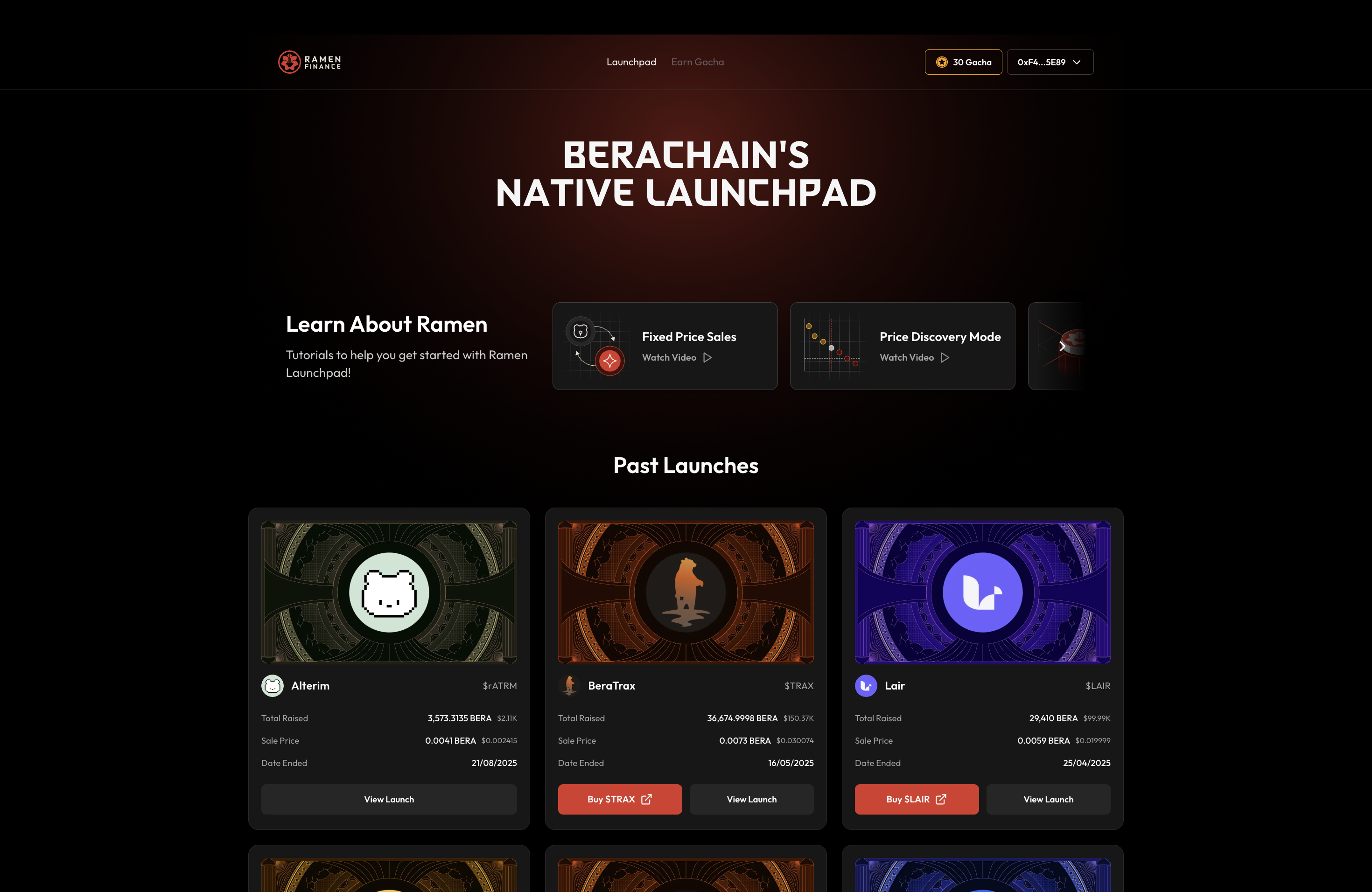
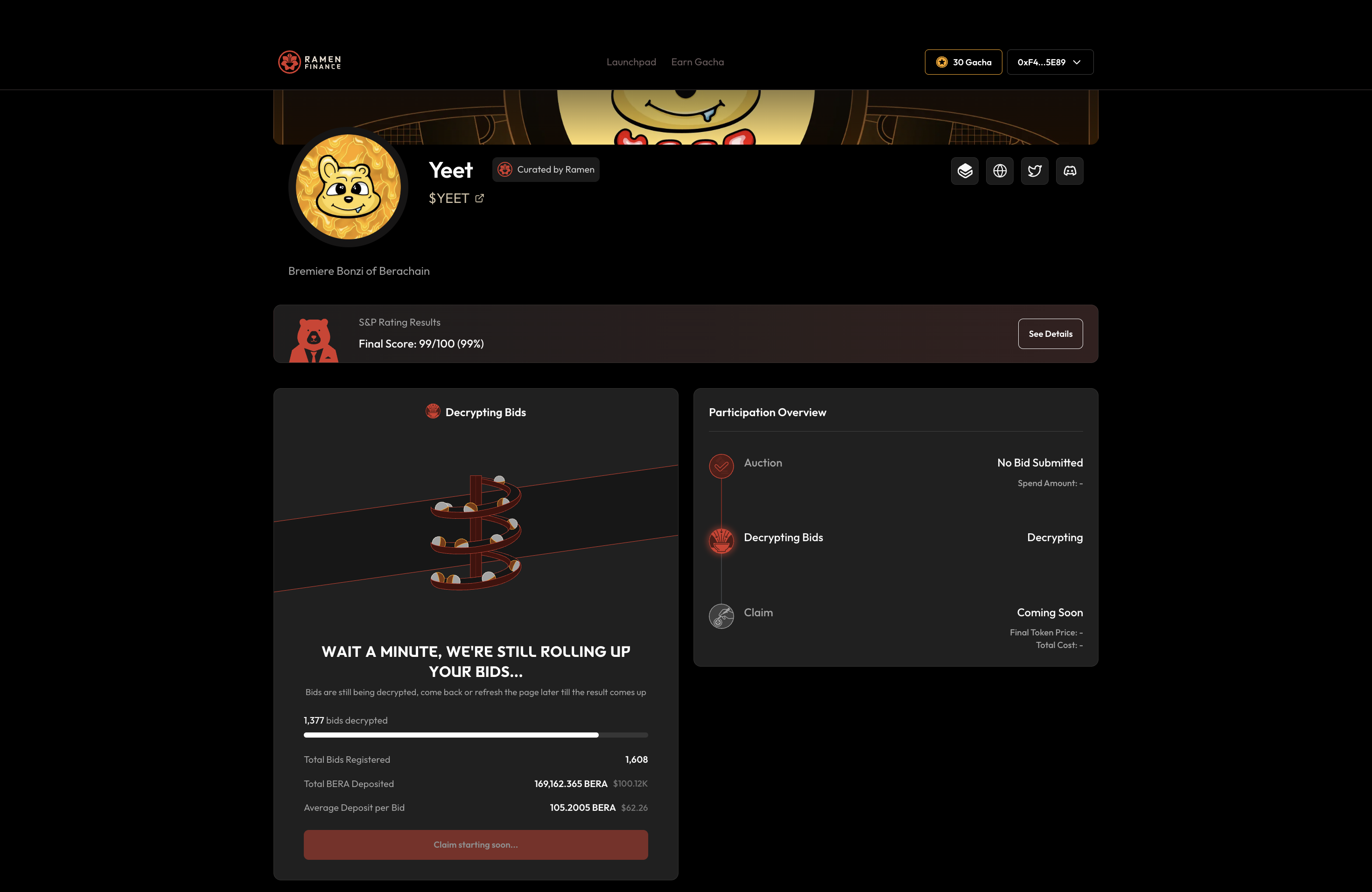
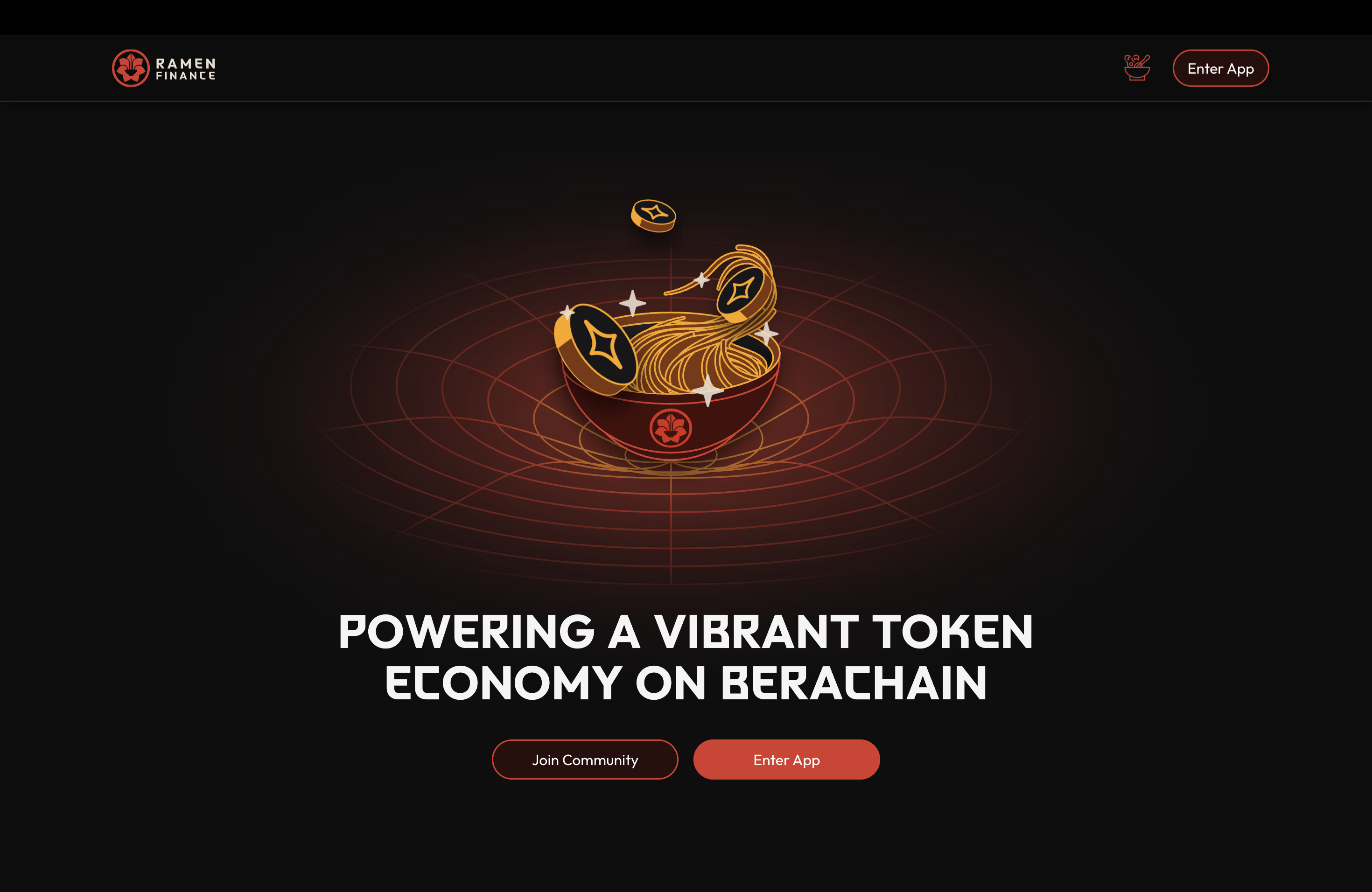
Ramen Finance is the premier DeFi launchpad on Berachain, featuring a multi-frontend architecture: the launchpad app (Next.js with Wagmi, viem, TanStack Query, Recharts, Zustand), a 3D landing page (Three.js, React Three Fiber, GSAP), admin dashboards, and supporting frontends. The Go backend handles complex DeFi operations with PostgreSQL, on-chain event indexing, and Merkle root generation. Solidity contracts are built with Hardhat using OpenZeppelin upgradeable patterns.
Tech Stack
Category
Core Contribution
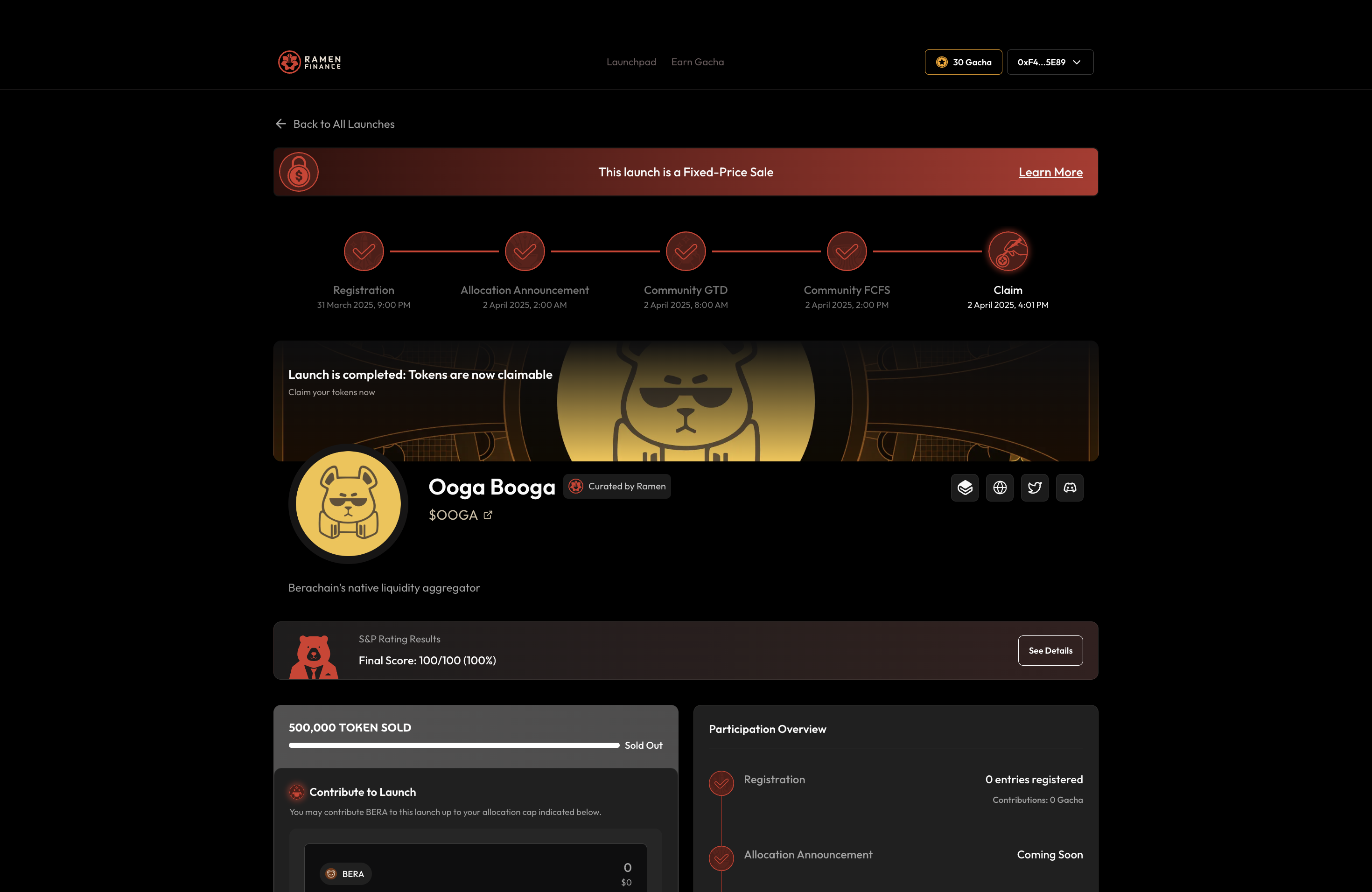
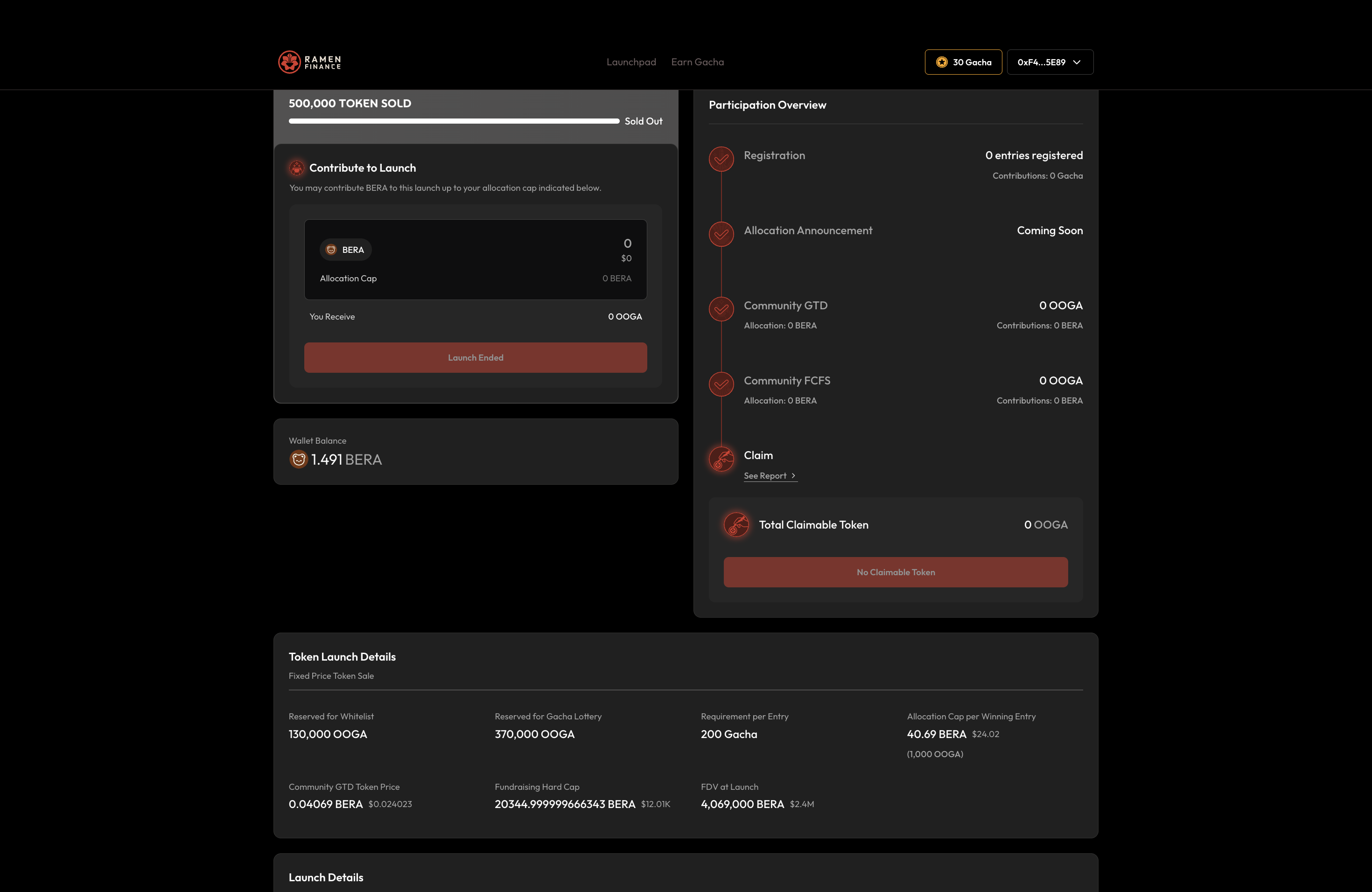
Led the frontend engineering for the entire DeFi application: launchpad UI with bonding curve visualization (Recharts), token swap interfaces (viem/Wagmi), portfolio tracking (Zustand), and the 3D landing page (Three.js, React Three Fiber, GSAP). Built multiple admin frontends. Integrated ConnectKit wallet connection and TanStack Query for data fetching. Contributed to Go backend API integration and Solidity contract interactions.
Project Overview
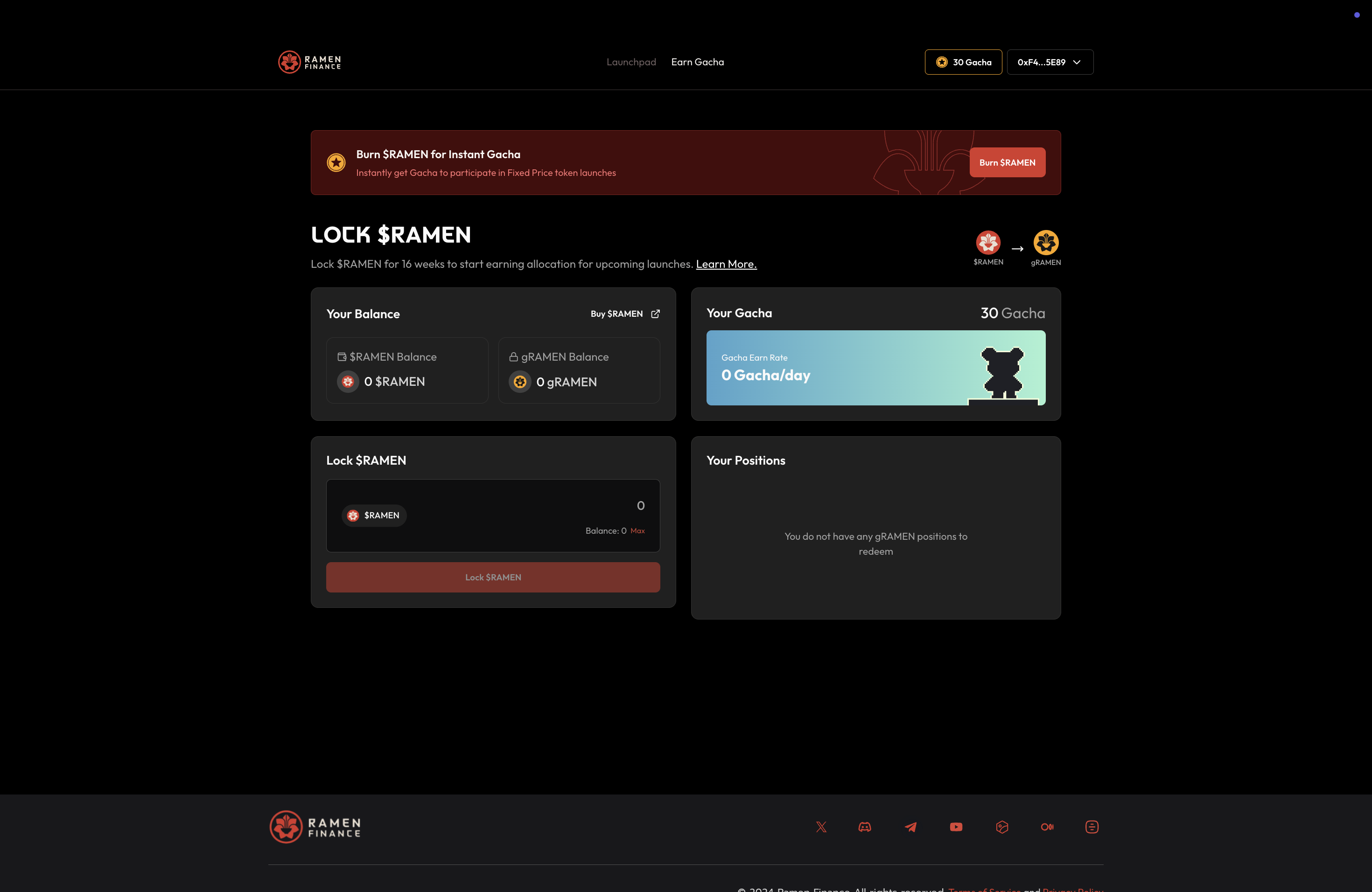
Berachain's native launchpad protocol for fair token launches and liquidity bootstrapping. Features bonding curve-based pricing, multi-phase launches, staking with gamified rewards (Gacha), and comprehensive analytics. Multi-frontend architecture serves different user roles and experiences.
Technical Highlights
Multi-frontend architecture (launchpad, landing, admin, pools)
Wagmi + viem for Berachain contract interactions
TanStack Query + Zustand for data management
Three.js + React Three Fiber 3D landing page
Go backend with on-chain event indexing & PostgreSQL
Solidity contracts with OpenZeppelin upgradeable patterns
Visual Gallery